uppeta Engage AI Photo Booth
Guests can take a photo at the event and take home a print styled with an AI filter.
Filters and frames can match the event’s key visual. Guests can print their photos on site or scan a QR code for a digital copy. After the event, uppeta provides usage statistics.
Filter style preview
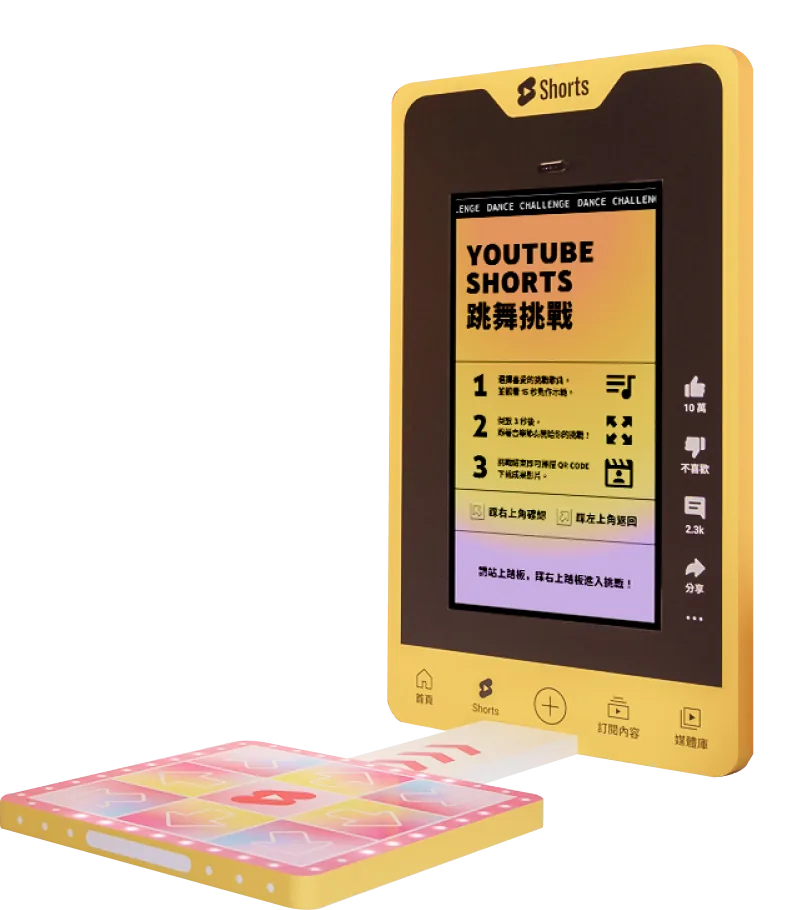
After taking a photo, guests can choose an AI style filter with a branded frame. Switch styles below to preview different looks.
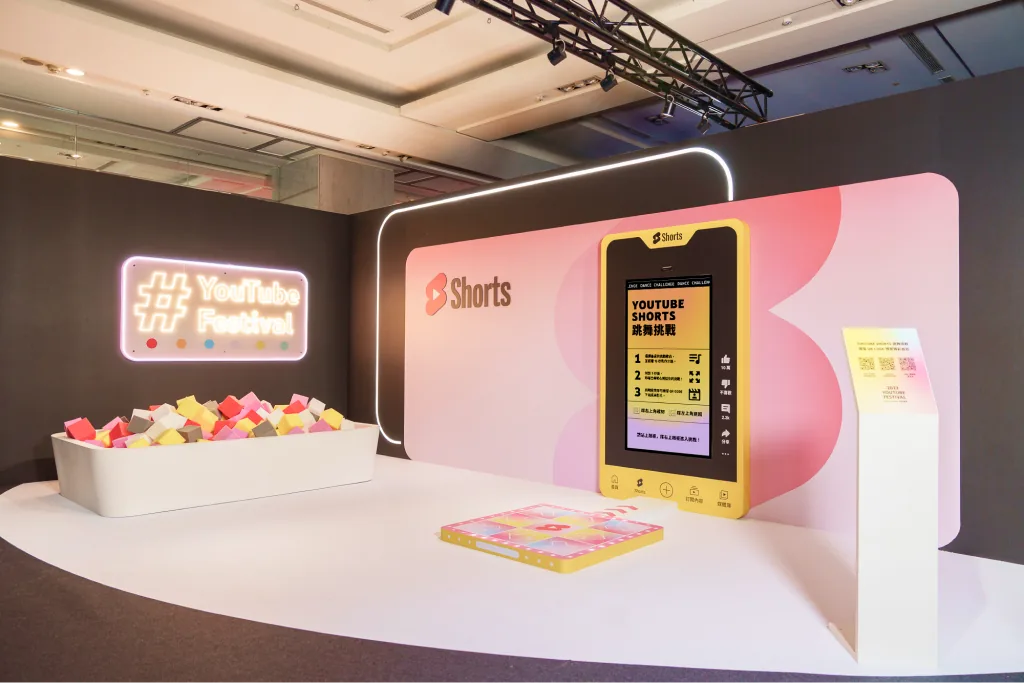
※ Styles shown are illustrative; the unit supports custom brand themes
Four steps at the event
Capture
Guests take a photo at the booth.
AI styling
Guests choose an AI filter and apply a branded frame.
Print / Share
Guests can print on site or scan a QR code for a digital copy.
Post-event usage summary
after the event, uppeta provides the number of photos taken and how often each filter was used.
Photo booth settings
Brand activations
Visitors can take photos at the booth with a frame designed for the brand.
Expos & press
Members of the press and other guests can take keepsake photos with filters designed for the event.
Pop-ups & launches
At pop-ups and openings, guests can take home a photo print or scan a QR code for a digital copy to share.
Frequently asked
Can the photo booth filters match our brand?+
Yes. Filters and frames are designed around the event’s key visual.
What photo booth statistics will we receive after the event?+
uppeta will provide the number of photos taken and how often each filter was used.
How do we arrange on-site setup for the AI photo booth?+
Use the inquiry form or email business@uppeta.com with your event date and venue. The uppeta team will discuss how we can support your event and coordinate setup with you.